Product

How the collection actually works.

CertCommand is one Windows service that finds certificates, records every place they are bound, and raises alerts before they expire. This page covers each of those jobs, how the data gets out of your hosts, and what the product deliberately does not do.

No agent installed on targets No write path on the collector Private keys never leave the host

01 / Discovery

Discovery that asks first.

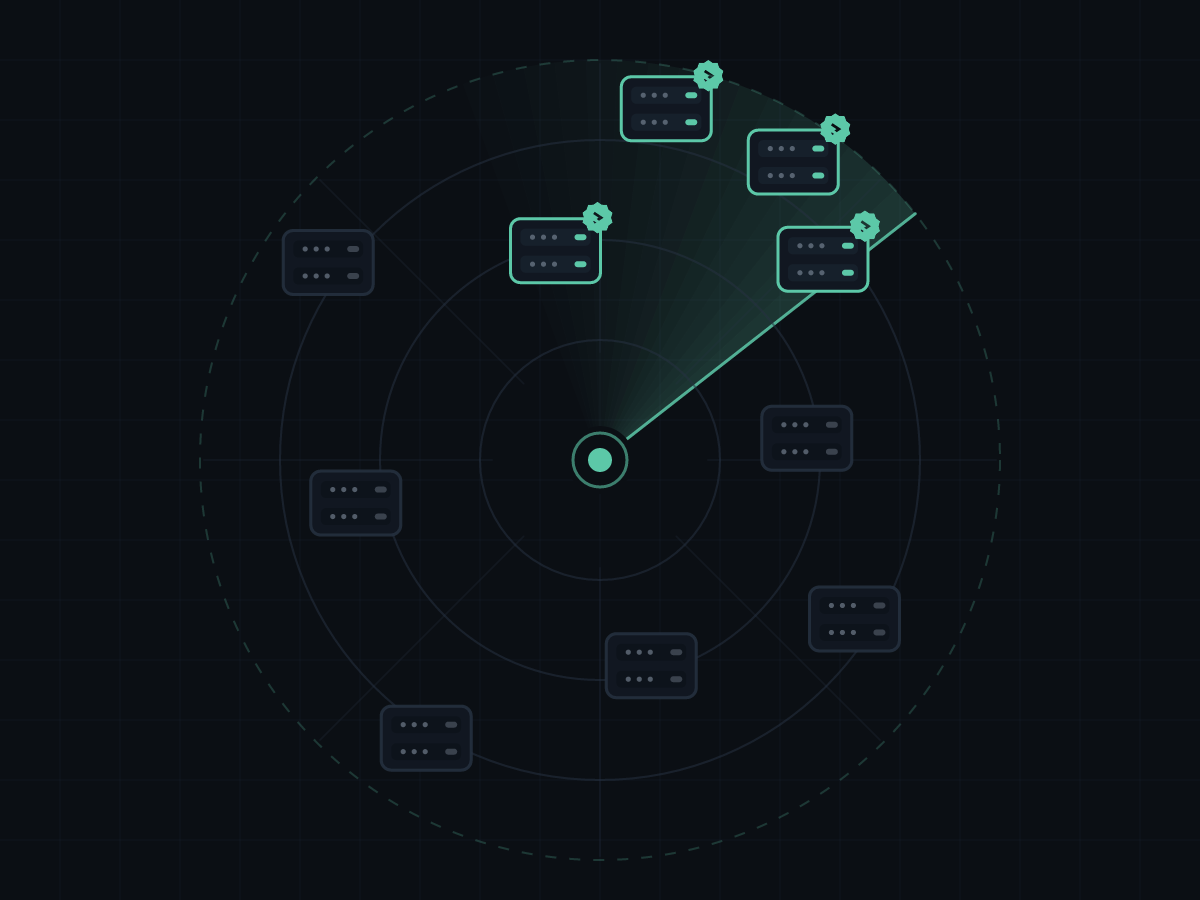
Four sources run on the daily discovery schedule and are configured independently in Settings. Each one is separate, so a source that fails never stops the others. Everything they find lands in a review queue along with the evidence that produced it, and nothing in that queue is contacted until a person accepts it.

  • Active Directory. Enabled server computer accounts, filtered by operating system, last logon age, and OU. The probe profile is suggested from the account's service principal names.
  • AD CS issued. Runs certutil against the enterprise CAs you list and surfaces subject and SAN hostnames from issued certificates that CertCommand has never observed in use.
  • Certificate Transparency. Queries public CT data for the domains you own and surfaces hostnames from certificates issued against them. Opt-in, needs outbound HTTPS, off by default.
  • Subnet sweep. TCP-connects the CIDR ranges and ports you list, then does a short TLS handshake on anything that answers. This is an active scan of your own network, so ranges are capped and it is off by default.
  • The review queue. Accepting an entry creates the asset and can probe it immediately. Ignore the rest and they stay ignored on the next run.
02 / Monitoring

Two probe paths, one inventory.

Endpoints get a direct TLS handshake. Windows hosts get a batched WinRM collection. Both write into the same model, where assets and certificates are separate records joined by bindings. That join is what answers "where is this certificate used", and it is why history survives a binding disappearing.

  • TLS endpoints. Add any host and port. CertCommand handshakes it directly, captures the presented certificate and the full chain, and records the negotiated protocol and cipher suite, so a host still negotiating an old protocol shows up in your inventory rather than in somebody's audit finding.
  • Agentless Windows collection. One batched PowerShell worker per cycle fans out over WinRM and streams a JSON line back per host. Nothing is installed on the targets, and scheduled and manual probe runs never overlap.
  • Six binding types per host. Certificate stores, IIS sites, SQL Server instances, the RDP listener, the WinRM HTTPS listener, and every HTTP.sys reservation.
  • JEA where it is registered. The session is a RestrictedRemoteServer in NoLanguage mode running as a virtual account. Hosts without the endpoint fall back to the general shell and are flagged in the console with the reason.
  • Off-domain push collector. For hosts the app server cannot reach over WinRM, a SYSTEM scheduled task pushes the same data outbound over HTTPS to the ingest API, using a key you set in the console.
  • History that survives. A binding that vanishes is kept for 90 days by default, so "this certificate was on APP12 until Tuesday" is still a question with an answer.
03 / Alerting

Alerts that stop nagging.

A rule is a name, a scope, a set of day thresholds, and recipients. Scope is global, one tag, or a single asset, so the team that owns the SQL cluster hears about the SQL cluster and nothing else.

  • Thresholds you set. 30, 14, 7, and 1 day by default. Each crossing fires once, and a renewed certificate re-arms the rule on its own. There is no acknowledging or snoozing to remember.
  • Two channels. Email digests through your own SMTP relay, and a JSON webhook shaped as a Teams-compatible message card that plain webhook receivers can also parse. Both have a test button in Settings.
  • Escalation recipients. Extra addresses added only on the final threshold, so the person who signs off on the purchase hears about it once rather than four times.
  • Chain problems flagged. Broken or untrusted chains raise their own alert, separate from expiry, because a certificate with 200 days left and a missing intermediate is still an outage.
04 / Fleet deployment

One command for the fleet.

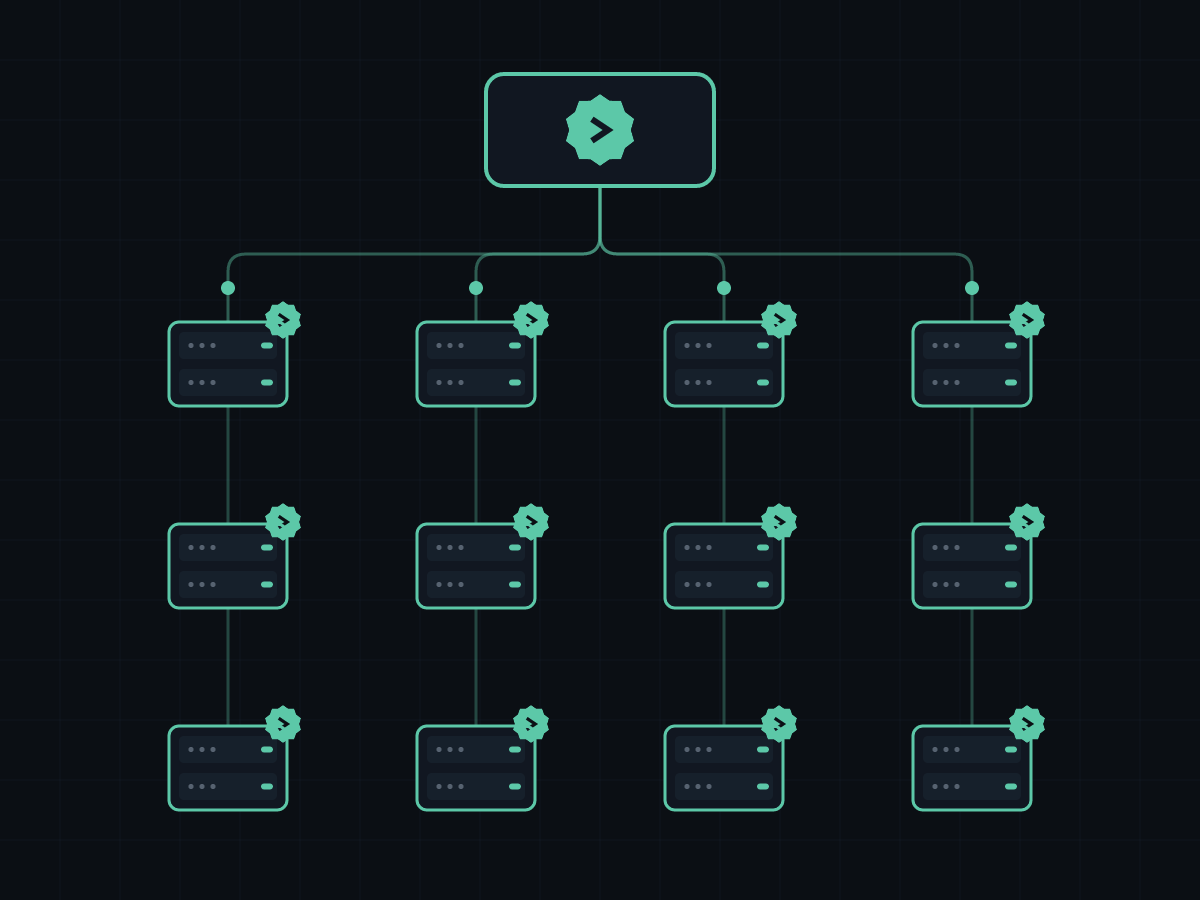
The fleet script, run once on a domain controller or an RSAT host, stages the JEA files in SYSVOL and creates the GPO that registers the endpoint on every host in a target OU.

Deploy-CertCommandFleet.ps1 -Domain corp.local `
  -TargetOU 'OU=Servers,DC=corp,DC=local' `
  -AppServerAddress 10.10.0.20 `
  -Principal 'CORP\gmsaCertCommand$'
  • No reboots. The GPO carries the WinRM policy, a scoped firewall rule, and a scheduled task that registers the endpoint at startup and daily. It applies on the next policy refresh.
  • Preview first. Run it with WhatIf and it prints every change without making one. The install script is idempotent, so the daily run is a no-op once a host already matches.
  • Console install. An MSI or a script, either of which registers the service. It runs as a gMSA, created by an included script and installed with the standard AD cmdlet.
  • Scoped, not blanket. The firewall rule is limited to your app server addresses on the Domain profile only, and the OU link is created unenforced so you can still block inheritance on exceptions.
  • A rollout you can watch. The Assets page filters by JEA status (current, outdated, general shell, no contact) and exports the hosts still on the general shell, each with a reason.
Security posture

Least privilege, by construction rather than by policy.

A tool that reaches into every server in the domain has to be worth trusting. Here is what constrains it.

Identity

Runs as a gMSA

The service account's password is managed by Active Directory and known to nobody. On a target, the JEA session runs as a virtual account with only the CertCommand role capability attached.

Role

Read-only, plus the writes you deploy

Monitoring remains entirely read-only: three functions that return JSON and validate their parameters before use. Renewal automation adds narrowly scoped, individually auditable write functions, and you deploy that role explicitly. A host without it is not automatable, and the console says so rather than falling back to a general shell.

Key material

Private keys never move

Inventory returns the public DER of each certificate plus a boolean for whether a private key is present. The key itself is never read and never crosses the wire. Renewal does not change this: the new key is generated on the host that will use it, and only the signing request and the issued public certificate ever travel. There is deliberately nothing to escrow.

Transport

Hardened WinRM

The GPO turns off Basic auth, CredSSP, and unencrypted transport on both the client and the service, filters the listener to your app server addresses, and scopes the firewall rule to the Domain profile.

Isolation

Runs air-gapped

No CDN, no telemetry, and no license server. The console loads fonts from the local Windows stack. Two features reach outward and both are yours to switch off: the daily update check, and Certificate Transparency discovery, which ships off already.

Access

Two roles from AD groups

Viewer and Operator, mapped to AD group SIDs in Settings. Membership comes from the Windows token, so nested groups work. The installer records the installing admin's group so nobody is locked out.

Try it

Point it at your estate and see what turns up.

The evaluation runs for 14 days with no target limit and the paid editions switched on, so a pilot can cover the whole domain rather than a sample of it.